Loading...

| Hi, MinuteMagnet
💎 0 Credits
Profile | Logout
Processing...
Hi, MinuteMagnet
$15
4-Magnet Puzzle
$25
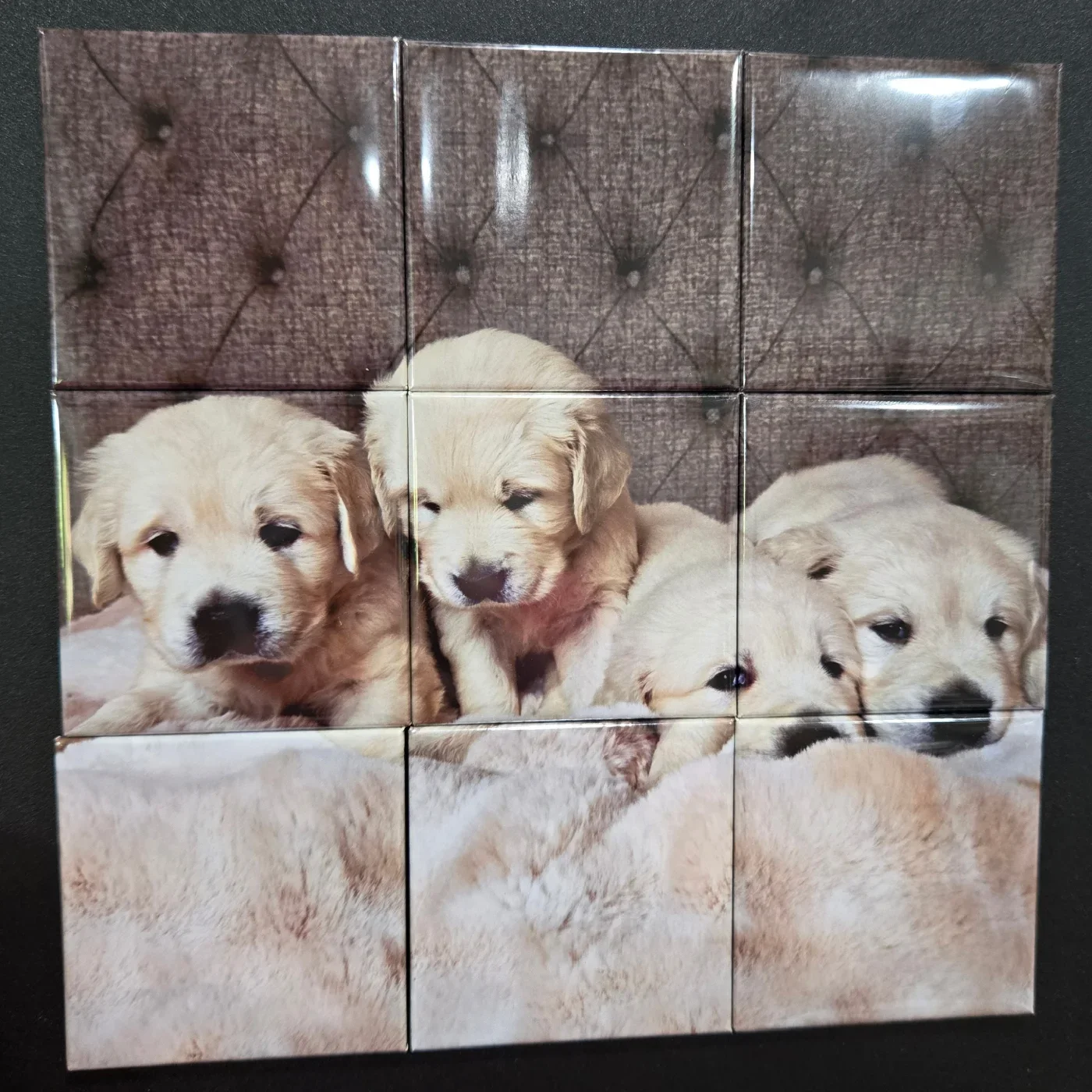
9-Magnet Puzzle
9-Magnet Puzzle
$5
2x2" (50mm)
2x2" (50mm) Generic Press
$6
2x3" Rectangle
2x3" Rectangle Generic Press
$6
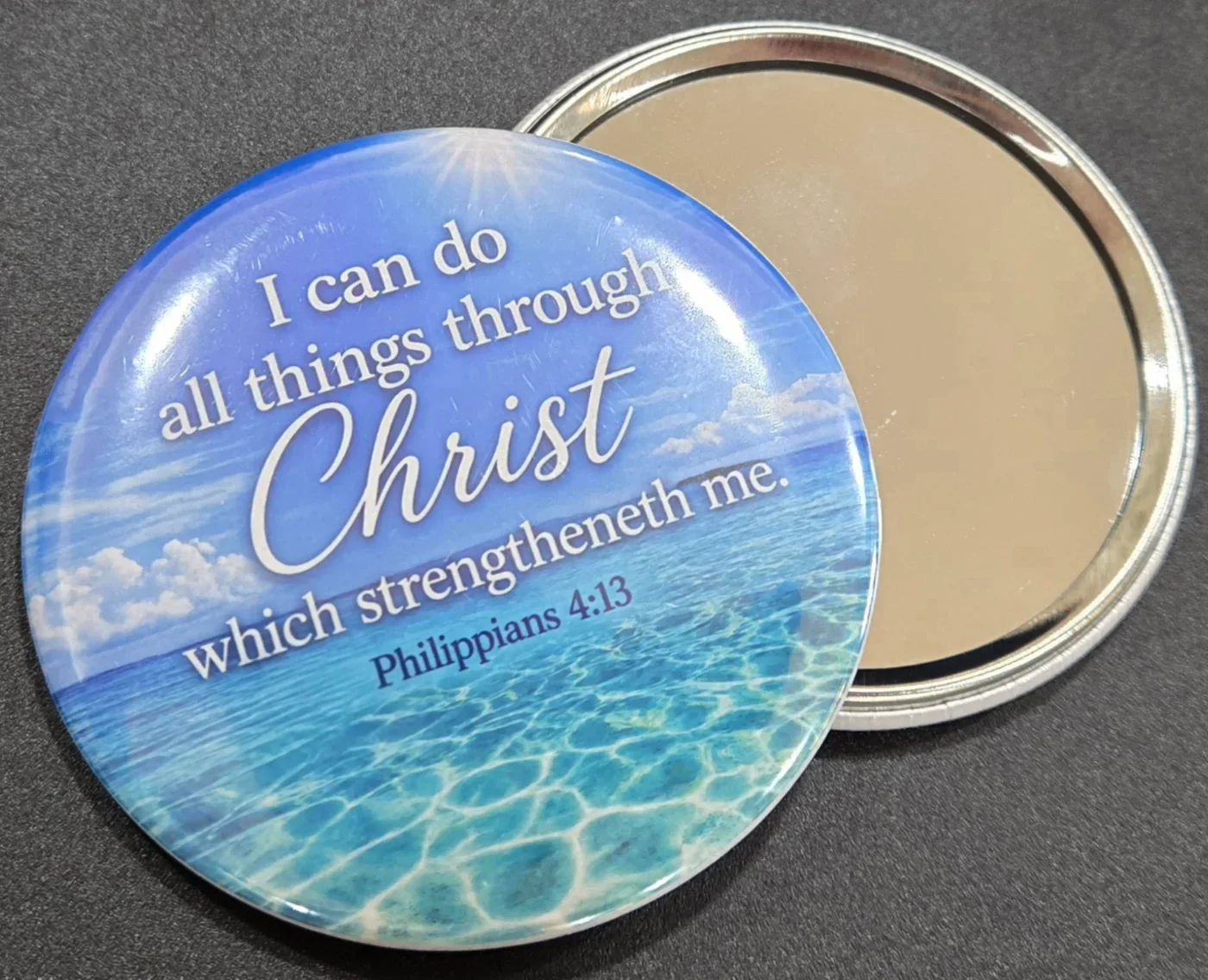
75 mm mirror
75 mm mirror
$6
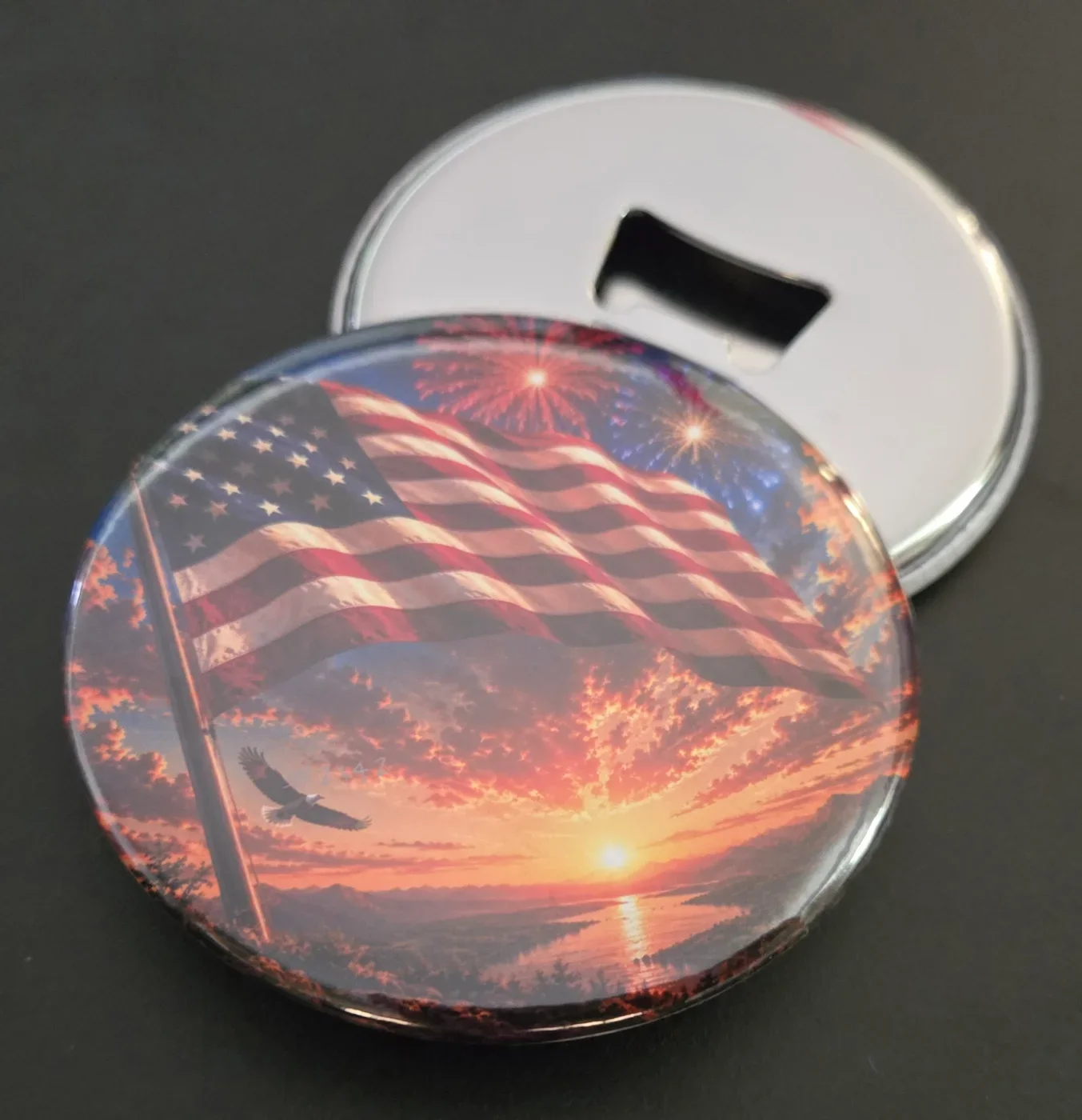
bottle opener
bottle opener
$15
4 individual photos
$15
4x
2x2" pack of 4
$25
2x2" pack of 9
$16
2x3" pack of 4
$26
2x3" pack of 9
Template media (PDF, photos, customer info) is automatically cleared after 7 days. You can download template media via the download button and/or image thumbnails.

      Your Studio is Clean

      No active templates found. Upload some photos and create one!

      7 Days Storage Life
      Automatic Template Cleanup

      Storefront design

      Storefront Access

      Storefront QR

      Checking status...

      Toggle your storefront open & closed here. You can style your 'closed' page in the storefront editor.

      Allow your guests to choose from your gallery images as well as uploading.

      Photo Editing Enabled

      Allow your guests to edit photos after cropping. Only affects your guests, you can always edit.

      Guest editing tools

      Choose which tools guests can use. At least one must remain enabled.

      Storefront Language

      Choose the default language for guest-facing storefront labels, checkout text, contact forms and order status messages.

      Customer Info & Notifications

      Email order notifications These are for you - when an order comes through your storefront, get an email to notify you with the details.
      Currently sending to Enter an email used only for notifications.

      Choose which customer details you'd like to take and toggle notifications on or off.

      Name Useful for pickup labels and matching orders to customers. If shipping is enabled, this is automatically required.
      Email Useful for digital receipts or collection questions.
      Phone Useful if you need to contact the customer via phone call or SMS.
      Address Use for delivery details or postal orders. If shipping is enabled, this is automatically required.
      Social Media Consent Ask a customer if they consent to their images being used on social media.
      Copyright confirmation Ask guests to confirm they have the rights to print images they upload themselves. Gallery images do not need this confirmation.
      Phone push notifications / pick-up Enable phone push notification alerts for the customer - used for in-person and same day live events. Not all devices are supported but if they are, the customer can allow them and get a push notification when you mark the order ready.
      Customer email receipts & pick-up notification Send an email to the customer when their order is completed with the details, and a follow-up email when you mark the order ready, letting them know it is available for pick up. Emails are sent from hello@missmagnets.com with your email address as the reply-to.

      Products & Pricing

      Configure pricing, discounts and product information here. When you're finished, click the 'Save Details' button at the bottom to save your changes.

      Currency
      Storefront Products

      Create new, or edit existing storefront product details. You can drag each product to change the order on your storefront.

      — What are they, and how do I add them?

      — What are they, and how do I add them?

      — What are they, and how do I add them? Video guide

      Tip: Click the arrow to expand/collapse product settings. Drag products to reorder with the three lines icon.

      2x2" (50mm) Generic Press
      2x2" (50mm)
      Direct product upload QRThis QR code takes your customer directly to the upload page for this product, skipping any storefront product selections.
      $
      2x3" Rectangle Generic Press
      2x3" Rectangle
      Direct product upload QRThis QR code takes your customer directly to the upload page for this product, skipping any storefront product selections.
      $
      75 mm mirror Custom Template
      75 mm mirror
      Direct product upload QRThis QR code takes your customer directly to the upload page for this product, skipping any storefront product selections.
      $
      bottle opener Custom Template
      bottle opener
      Direct product upload QRThis QR code takes your customer directly to the upload page for this product, skipping any storefront product selections.
      $
      2x2" pack of 4 Custom Template
      Guest card image
      Direct product upload QRThis QR code takes your customer directly to the upload page for this product, skipping any storefront product selections.
      $
      Bulk Pack Based on 2x2" pack of 4
      Bulk pack image
      Direct product upload QRThis QR code takes your customer directly to the upload page for this product, skipping any storefront product selections.
      $
      2x2" pack of 9 Custom Template
      Guest card image
      Direct product upload QRThis QR code takes your customer directly to the upload page for this product, skipping any storefront product selections.
      $
      2x3" pack of 4 Custom Template
      Guest card image
      Direct product upload QRThis QR code takes your customer directly to the upload page for this product, skipping any storefront product selections.
      $
      2x3" pack of 9 Custom Template
      Guest card image
      Direct product upload QRThis QR code takes your customer directly to the upload page for this product, skipping any storefront product selections.
      $
      4-Magnet Puzzle Puzzle
      Guest card image
      Direct product upload QRThis QR code takes your customer directly to the upload page for this product, skipping any storefront product selections.
      $
      9-Magnet Puzzle Puzzle
      9-Magnet Puzzle
      Direct product upload QRThis QR code takes your customer directly to the upload page for this product, skipping any storefront product selections.
      $

      Shipping

      Choose how guests receive orders, then set shipping rates and delivery zones. Product weights are set in the products section above.

      Shipping

      Choose how guests can receive orders from your storefront.

      Event Mode

      Setup or schedule events, with each event having it's own products, purchase limits, storefront theme and more. Each event has it's own QR code and access link.

      Event Products

      Use your storefront products as-is, or change availability, prices, stock limits and per-guest product caps for this event.

      Regular storefront price $15
      Regular storefront price $25
      Regular storefront price $5
      Regular storefront price $6
      Regular storefront price $6
      Regular storefront price $6
      Regular storefront price $15
      Regular storefront price $15
      Regular storefront price $25
      Regular storefront price $16
      Regular storefront price $26
      Event Shipping

      Choose how guests can receive orders for this event. Shipping uses your main storefront rates, weights, tax and delivery zones.

      Event Guest Payments

      Choose how guests can pay for orders placed through this event.

      Pay In Person Enabled Let guests send orders and pay you at the stall by cash, card reader, bank transfer, or another in-person method.
      Card Payments Enabled Enable hosted card checkout on your stall for guests ordering through this event.
      Event Guest Tools

      Choose which upload tools are available to guests ordering through this event.

      Gallery Allow your guests to choose from your gallery images as well as uploading.
      Photo Editing & Overlays Allow guests to edit photos after cropping for this event.

      Available editing tools

      At least one tool must remain enabled while photo editing is available.
      Event Customer Info

      Choose which customer details and customer notifications apply to this event. Owner email alerts still use your main storefront setting.

      Name Useful for pickup labels and matching orders to customers. If shipping is chosen, this is automatically required.
      Email Useful for digital receipts or collection questions.
      Phone Useful if you need to contact the customer via phone call or SMS.
      Address Use for delivery details or postal orders. If shipping is chosen, this is automatically required.
      Social Media Consent Ask customers at this event if they consent to their images being used on social media.
      Phone push notifications / pick-up Enable phone push notification alerts for customers ordering at this event. Not all devices are supported but if they are, the customer can allow them and get a push notification when you mark the order ready.
      Customer email receipts & pick-up notification Email customers their order receipt and send another email when you mark the order ready for pick-up.
      This event has ended for guests. Extend the end time or save a new event to reopen it.
      Use Event Storefront Design

      User Accounts

      Admin Broadcast

      Email Users

      Write once, preview, send yourself a test, then send to active users, all users, or selected accounts.

      Preview first to calculate recipients.

      Preview
      0 Photo Tray